Building Your First AI App Without Code: A Practical Guide
Most people assume that creating an AI application requires years of programming experience. That assumption no longer holds true. A new generation of no-code tools lets anyone design, build, and launch a working generative AI app without writing a single line of code. This shift opens the door for professionals who want to automate tasks, generate content, or offer AI-driven services but lack a technical background.
The key is understanding what these tools can and cannot do, how to plan a project, and what pitfalls to avoid. This article walks through the practical steps of using a no-code AI builder, from defining your idea to testing a prototype, so you can decide whether this approach fits your goals. Workforce Learning United Ceres College
What a no-code AI builder actually does
A no-code AI builder is a visual platform that abstracts away the programming layer. Instead of writing Python or JavaScript, you work with drag-and-drop interfaces, pre-built blocks, and configuration panels. These platforms connect to large language models, image generators, or data processors and let you stitch them together into a custom application.
For example, you might configure a chatbot that answers questions about your company's handbook. You upload the handbook as a PDF, select a model like GPT or Claude, and define how the bot should respond. The platform handles the underlying integration, hosting, and API calls. The result is a functional app that runs in a browser or on a messaging platform.
No-code AI builders are not limited to chatbots. They can generate reports, summarize documents, create marketing copy, analyze sentiment, or even generate images based on prompts. The range depends on the platform and the models it supports.
Who benefits from a no-code approach
The obvious audience is non-technical professionals: marketers, operations managers, trainers, and business owners. But even experienced developers sometimes use no-code tools to prototype ideas quickly before investing time in custom development. For teams that need to test a concept or deliver a solution fast, a no-code AI builder can be the fastest path to a working product.
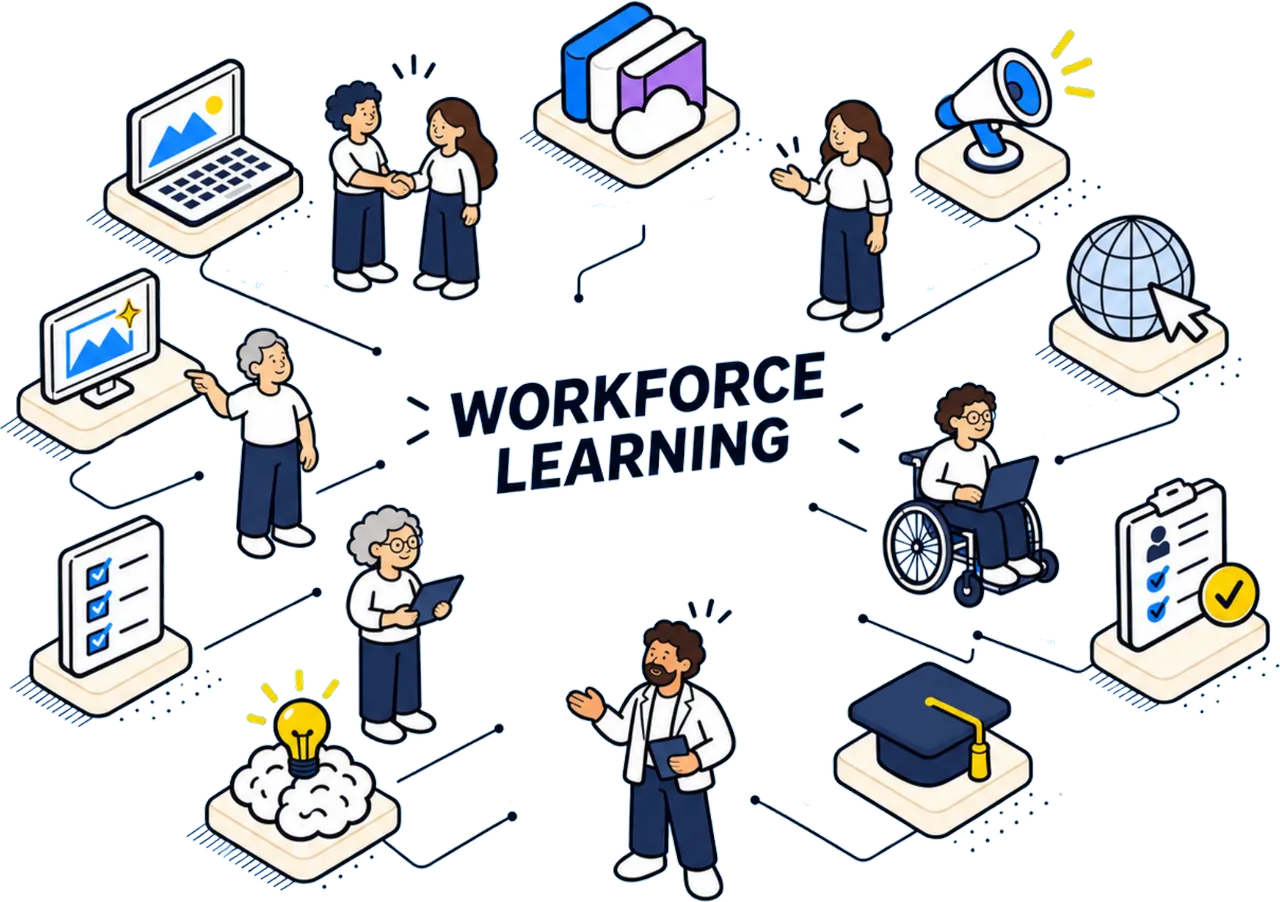
In Singapore, where workforce retraining is a national priority, programs like Workforce Learning United Ceres College teach adults exactly this skill: planning, building, testing, and launching a simple generative AI app in two days without coding. The course is designed for people who have never programmed but want to apply AI in their work. It focuses on practical outcomes rather than theory.
Planning your AI project without code
Before opening any platform, you need a clear problem statement. What specific task should your app perform? Who will use it? What input will they provide, and what output do they expect?
A common mistake is starting with a vague goal like "improve customer service." That is too broad. A better goal is "allow customers to check order status by typing their order number into a chat window." That is specific, testable, and achievable with a no-code AI builder.
Next, consider the data your app needs. If the app answers questions about internal policies, you need those policies in a machine-readable format. If it generates product descriptions, you need examples of your existing descriptions so the model learns your tone and style. No-code platforms often let you upload documents, link to databases, or paste sample text. The quality of your data directly affects the quality of your app.
Think about edge cases as well. What happens when a user asks a question your data does not cover? How should the app respond when it cannot find an answer? Planning for fallback behavior makes the difference between a frustrating tool and a reliable one.
Choosing the right no-code AI builder
Several platforms exist, each with different strengths. Some are designed for conversational apps, others for content generation or data analysis. When evaluating options, consider these factors:
- Model access: does the platform let you choose which AI model to use? Some limit you to one provider.
- Data privacy: where is your data stored? Does the platform train on your inputs? For sensitive business data, look for options with data isolation.
- Export and portability: can you download your app's configuration or move it to another platform? This matters if you outgrow the tool.
- Pricing model: while this article avoids specific numbers, check whether the platform charges per user, per API call, or a flat monthly fee.
- Support and community: a platform with active forums, tutorials, and responsive support makes the learning process smoother.
Many platforms offer free tiers or trial periods. Use them to test your idea before committing. Build a minimal version of your app, test it with real users, and iterate based on feedback.
Building your first prototype
Once you have selected a platform, start with a simple version of your app. Do not try to include every feature from the start. A minimal viable product lets you validate the core idea quickly.
For a chatbot that answers questions about a document, the steps might look like this:
- Upload the document to the platform.
- Configure the conversation flow: define how the bot greets users, handles follow-up questions, and ends the session.
- Set response guidelines: instruct the bot to stay on topic, avoid giving opinions, and cite sources from the document when possible.
- Test with a handful of sample questions. Check whether the answers are accurate and relevant.
- Adjust the configuration based on test results. You may need to rephrase instructions, add example questions, or clean up the source document.
This iterative process is at the heart of the course offered by Workforce Learning United Ceres College. Participants spend the first day learning the planning and building steps, then the second day testing and launching their app. The compressed format forces practical decision-making and hands-on experience.
Testing and quality assurance
Testing an AI app is different from testing traditional software. The model's outputs are probabilistic, meaning the same input can produce different responses. Your testing should check for consistency, accuracy, and safety.
Create a set of test cases that cover typical queries, tricky edge cases, and off-topic inputs. Run each test multiple times and record the results. If the app gives incorrect or harmful answers, trace the problem back to the configuration or data. Sometimes the fix is as simple as adding a clarifying instruction. Other times you need to revise the source material.
Consider having a colleague who was not involved in the build test the app. Fresh eyes catch issues that the builder might overlook. Ask them to try to break the app intentionally. The goal is to surface weaknesses before real users encounter them.
Launching and maintaining your app
When the app passes your tests, you can publish it. Most no-code platforms generate a shareable link, embed code, or a direct URL. You can place it on your website, in a messaging app, or behind a login page. Make sure to monitor usage after launch. Watch for unexpected patterns, such as users asking questions you never anticipated.
Maintenance is an ongoing task. Models get updated, data changes, and user needs evolve. Schedule periodic reviews of your app's performance. Update the source documents if your policies or product lines change. Retest the app after any platform updates. A no-code AI builder reduces the technical barrier, but it does not eliminate the need for care.
Common pitfalls to avoid
One frequent mistake is expecting the AI to understand context without explicit guidance. Generative models are powerful, but they do not read minds. If you want the app to adopt a friendly tone, you must specify that. If you want it to avoid giving medical advice, you must instruct it accordingly. These instructions are part of the configuration.
Another pitfall is underestimating the importance of data quality. Garbage in, garbage out applies strongly to AI. A poorly formatted document, inconsistent writing, or contradictory information will confuse the model. Spend time preparing your data before building the app.
Finally, do not treat the app as finished after launch. User feedback is valuable. Encourage users to report problems or suggestions. Use that feedback to improve the app over time. A no-code AI builder lets you make changes quickly, so take advantage of that flexibility.
Building a generative AI app without code is not only possible but increasingly practical. With the right planning, a clear problem, and a willingness to iterate, anyone can create a useful tool. Whether you are automating a routine task or offering a new service, the skills you learn from this process will serve you well as AI continues to reshape how we work.
Workforce Learning United Ceres College on social media
 Twitter
 LinkedIn
 Facebook
 Instagram
 YouTube